Square Feet Calculator

Measure Area Quickly and Accurately
A square feet calculator is one of the easiest ways to estimate floor space, room size, or the area of a simple shape without doing the math by hand. Whether you're planning flooring, paint coverage, furniture layouts, or renovation costs, getting reliable numbers upfront can save time and reduce waste.
Built for Common Shapes
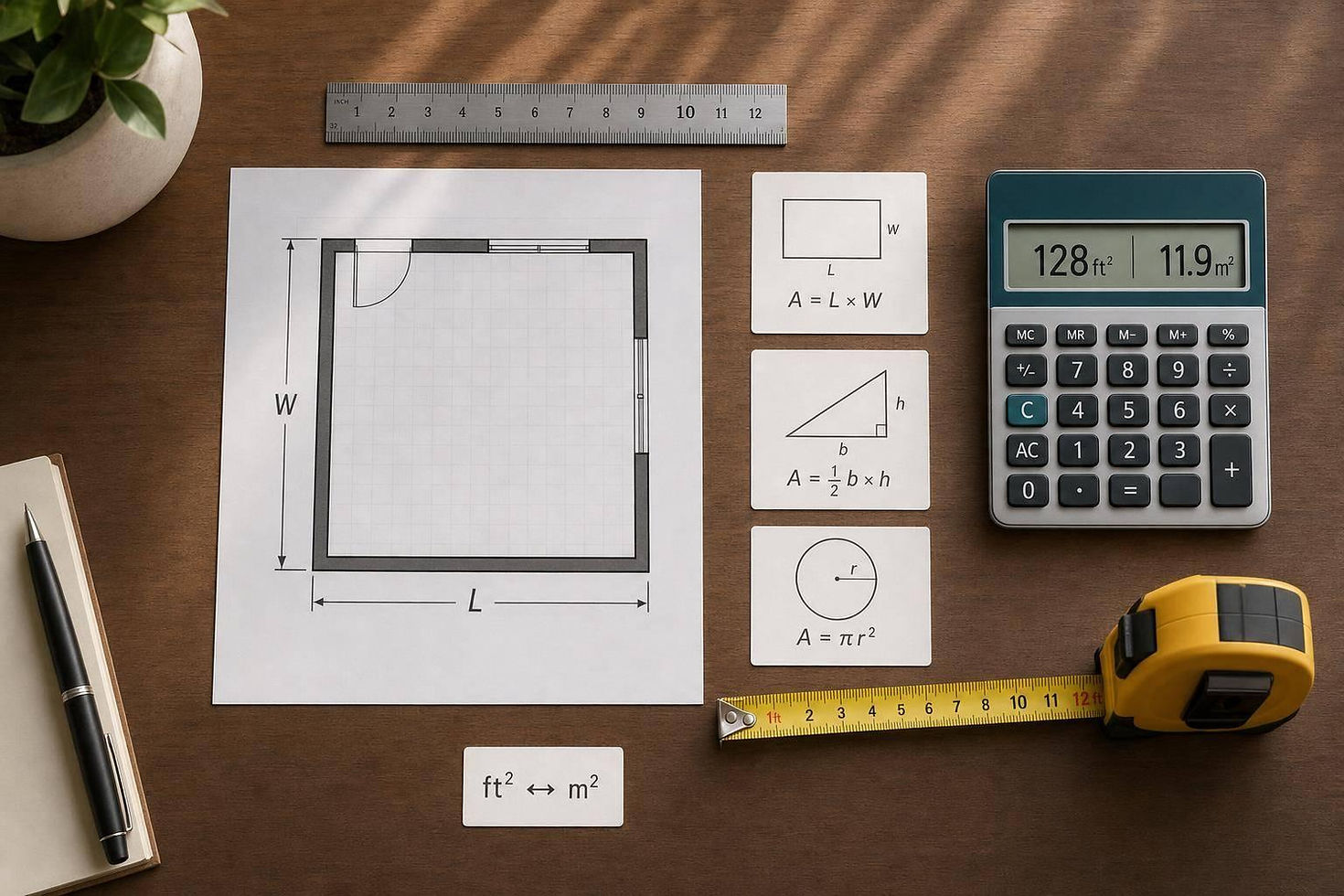
This tool handles the shapes people use most often: rectangles, squares, triangles, and circles. Just enter your measurements, choose the unit, and the calculator does the conversion and formula work for you. If you're measuring in inches, yards, or meters, the dimensions are converted to feet before the final result is shown.
More Than Basic Square Footage
Along with the total in square feet, the tool also returns square meters, which is useful for international plans, product specs, and property listings. A short formula explanation appears based on the selected shape, so you can quickly understand how the result was calculated.
For anyone comparing room dimensions or estimating material needs, a reliable area calculator removes guesswork. This square feet calculator is designed to be fast, clear, and practical for everyday measuring tasks.
FAQs
Does this calculator work for units other than feet?
Yes. You can enter dimensions in feet, inches, yards, or meters. The calculator converts everything to feet behind the scenes so it can return an accurate square feet result. It also shows the area in square meters as a secondary output, which is helpful if you're comparing plans, materials, or property details across different measurement systems.
How does the circle calculation work if I only know the diameter?
That’s built in. When you choose the circle option, you can select radius or diameter as your input type. If you enter a diameter, the tool automatically divides it by two to get the radius, then applies the standard area formula using π × radius². That saves time and helps avoid common mistakes when estimating round spaces.
Why does the tool reject zero or negative numbers?
Because area measurements need real, positive dimensions to produce a valid result. A length, width, base, height, radius, or diameter of zero or less doesn’t describe a measurable space, so the calculator blocks those entries. This keeps the output accurate and prevents confusing or misleading square footage totals.


Comments